
 USD / ngôn ngữ





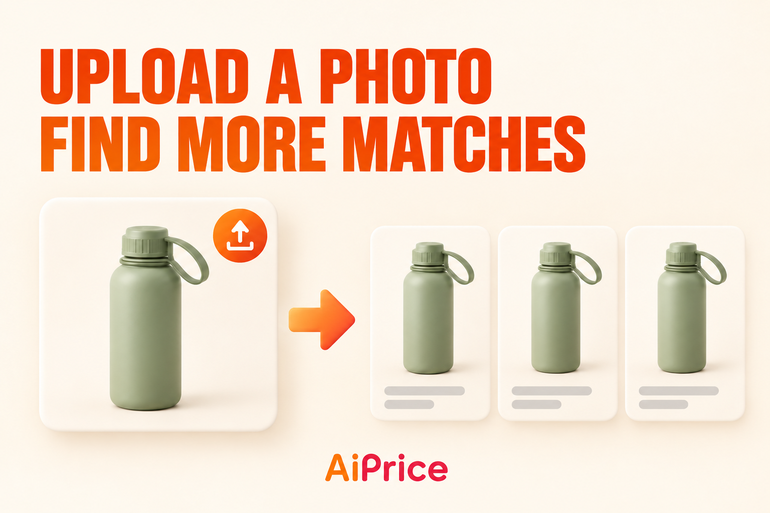
How to Upload a Product Photo and Find More Matches
A supplier sends you a product photo, or you’ve saved a design you want to explore. How do you use that picture to find more products?
AiPrice’s Upload image option lets you search with a picture from your computer. Start with the photo, then explore the results across marketplaces.
Get your product photo ready
Find the picture on your computer so you can select it when you upload.
For example, you might have a photo of a sports water bottle and want to look for more sourcing options. If the photo is still in a chat app or another location, save it to your computer first.
Open AiPrice and upload the picture
With AiPrice installed and enabled, right-click on a webpage and open the AiPrice image search tool.
Then:
- Select Upload image.
- Click the upload button and choose your picture.
- Add the picture to AiPrice.
- Click Search by image to start the search.
You can also drag a picture into the upload area or paste a copied image with Ctrl+V.
Once you’ve learned the steps, you can use the same process whenever a supplier sends you another product photo.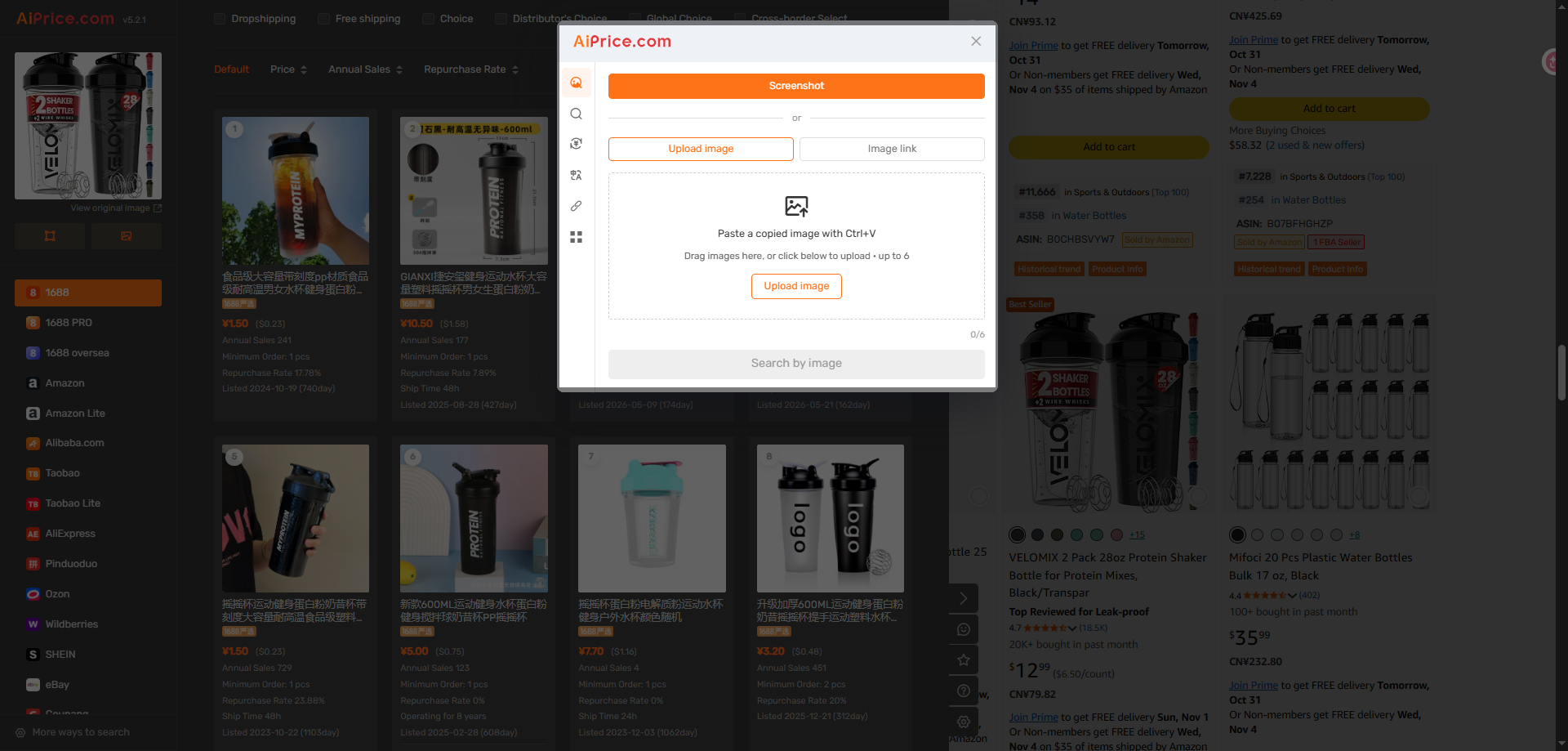
Explore results across marketplaces
Choose the marketplace you want to browse in the results panel.
For example, select 1688 to look for sourcing options there. If you also want to explore other marketplaces, switch between them using the same uploaded picture.
Browse the results and open the products you want to investigate further. Their detail pages let you continue reviewing the products and stores.
For help with sorting and filtering, read How to Filter Image Search Results and Compare Products.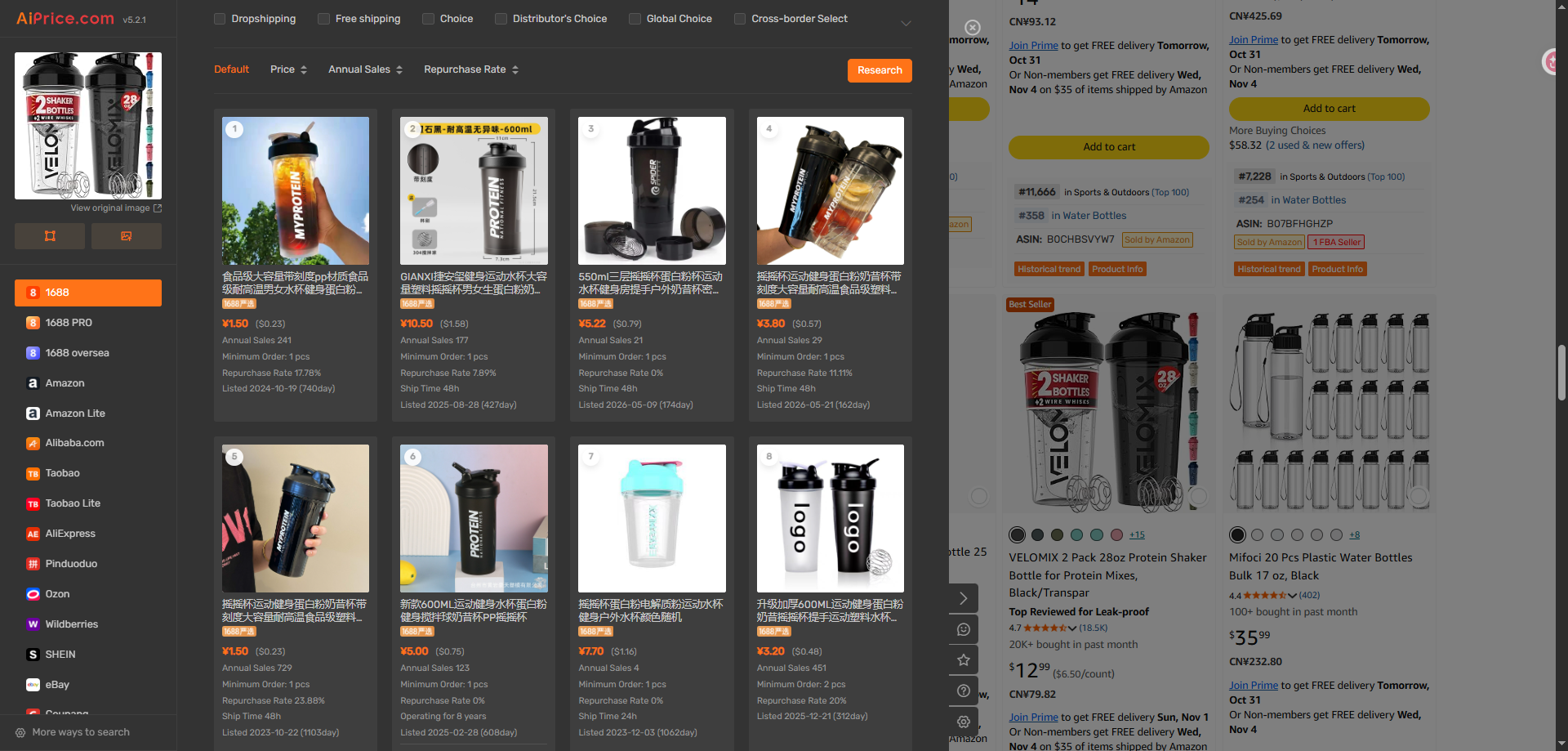
If the picture is still on a webpage
Uploading is useful when the picture is already saved on your computer. For pictures you’re viewing online, you have two other options:
- Use Screenshot to capture the product on your screen.
- Choose Image link if you have the picture’s direct URL.
Both methods are covered in Right-Click Image Search: Find Products with Screenshots or Image URLs.
The next time you receive a product photo, open AiPrice and use it to start your search. Visit the AiPrice search by image page for more ways to find products.
















Đăng nhập hoặc đăng ký để thêm câu hỏi