USD / Language




How to Choose Which Marketplaces Appear in AiPrice Image Search
Choose which marketplaces appear in your AiPrice image search results and pin the ones you use most for quick access.


Choose which marketplaces appear in your AiPrice image search results and pin the ones you use most for quick access.
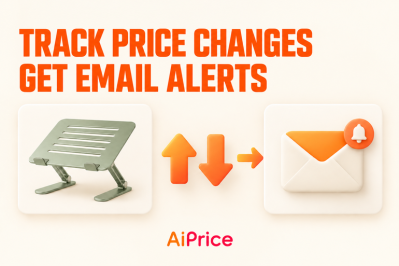
Set up AiPrice email alerts for price drops or rises. Choose your price thresholds, select a tracking period, and submit your settings.

Compare a sale price with earlier prices using AiPrice. Explore one-, three-, and six-month charts and hover over the line to inspect dates and prices.

Use AiPrice price history to research products as you browse. Learn how to open the chart, choose a time range, and review prices before shortlisting.

Learn how to switch marketplaces, sort results, apply filters, and read product information in AiPrice before opening listings for a closer look.

Upload a product photo to AiPrice, search for matching products, and explore results across marketplaces using pictures saved on your computer.

Search for products across marketplaces using pictures from your seller dashboard or web-based ERP, with AiPrice screenshot and image URL search.
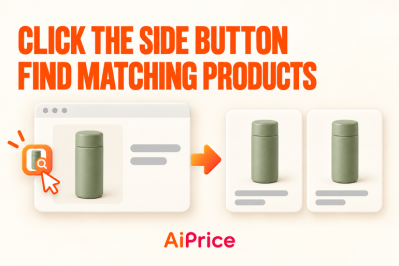
Use the AiPrice image search entry on a product detail page to find matching products, switch marketplaces, and explore sourcing options.

Learn how to search from product pictures in marketplace listings, switch platforms, and explore more sourcing options with AiPrice.
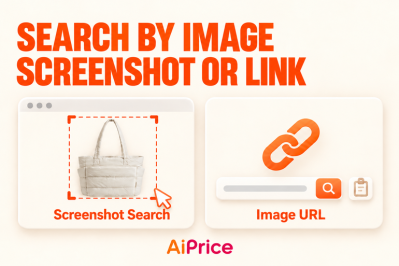
Learn how to use AiPrice’s right-click image search to find products with screenshots or image URLs, then explore results across marketplaces.

Check out our blog to learn how to improve the success rate of image search on 1688.com.

Check out the blog to learn how to improve the success rate of image search on Taobao.com.





Copyright © AiPrice.com – All Rights Reserved
Service: Working day 09:00-18:30
Beijing CST
AiPrice is an independent third-party tool and is not affiliated with the Alibaba Group.